








Track your application progress in real-time with the Activity timeline
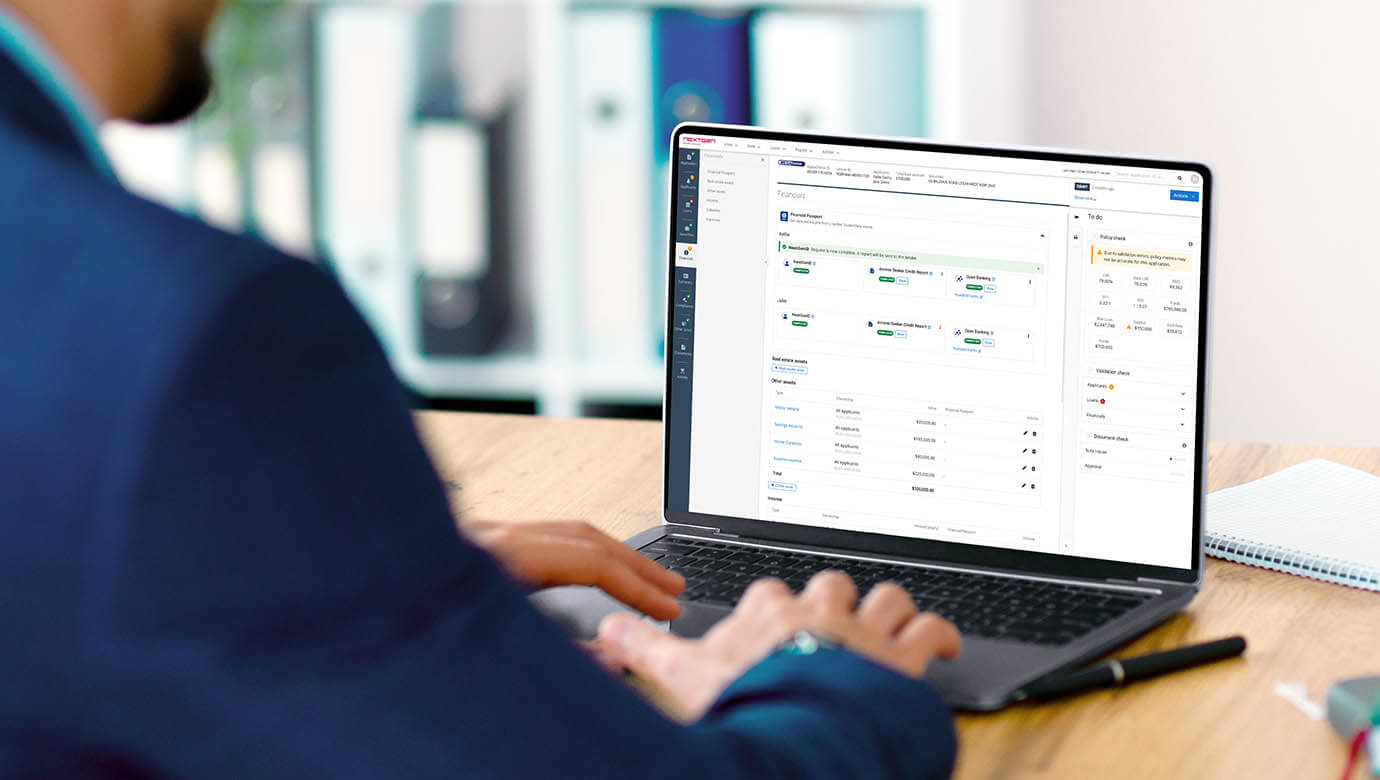
Did you know you can track your application through the Activities tab and view the real-time status and detailed information of each stage of your application?
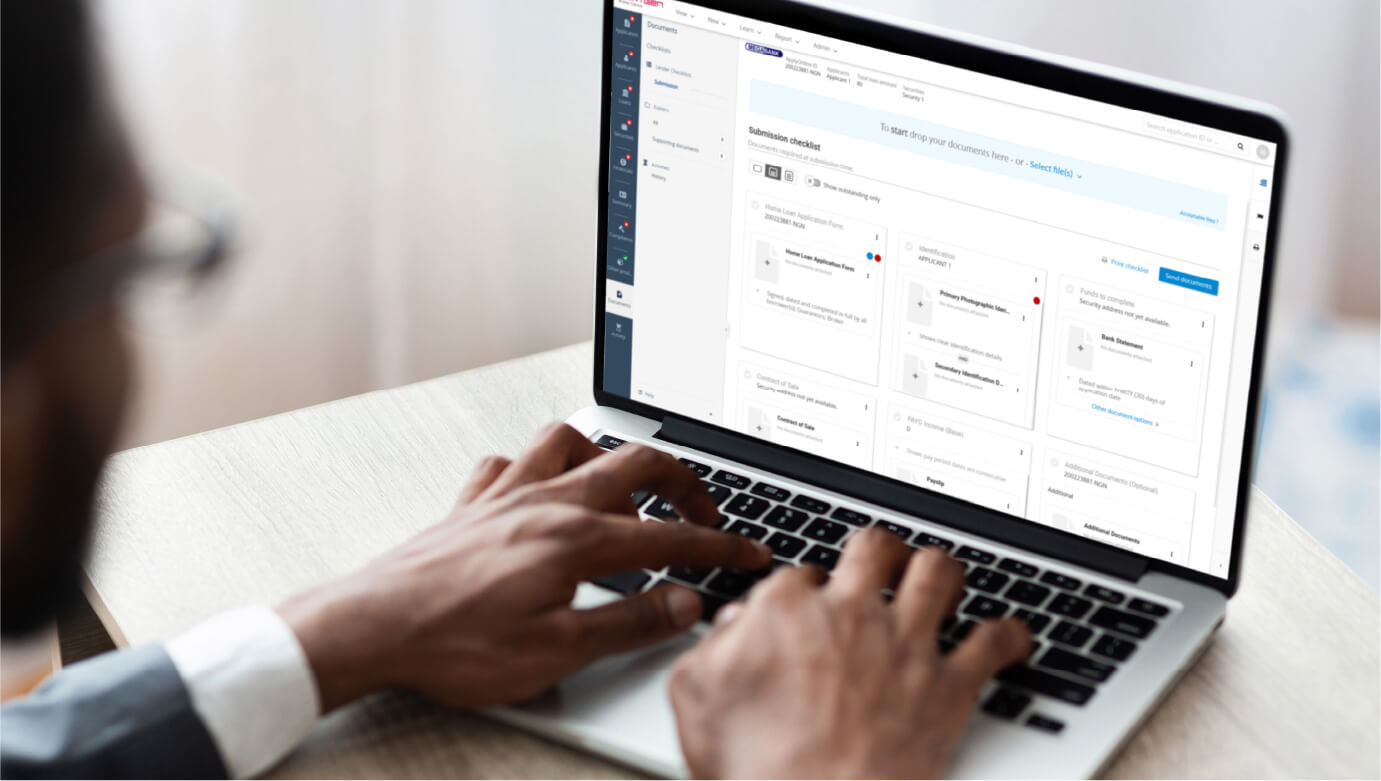
To view the Application Activity timeline, navigate to the left-hand panel and click on the Activity Tab, as shown below.
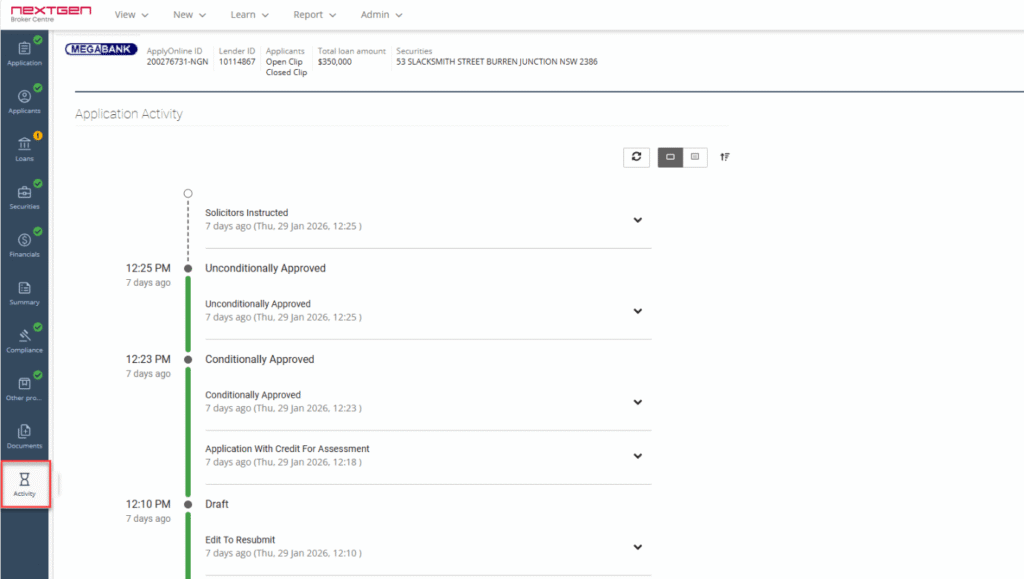
This opens a vertical timeline that maps every status change and activity in one place, giving you a clear, chronological overview of your application’s progress.
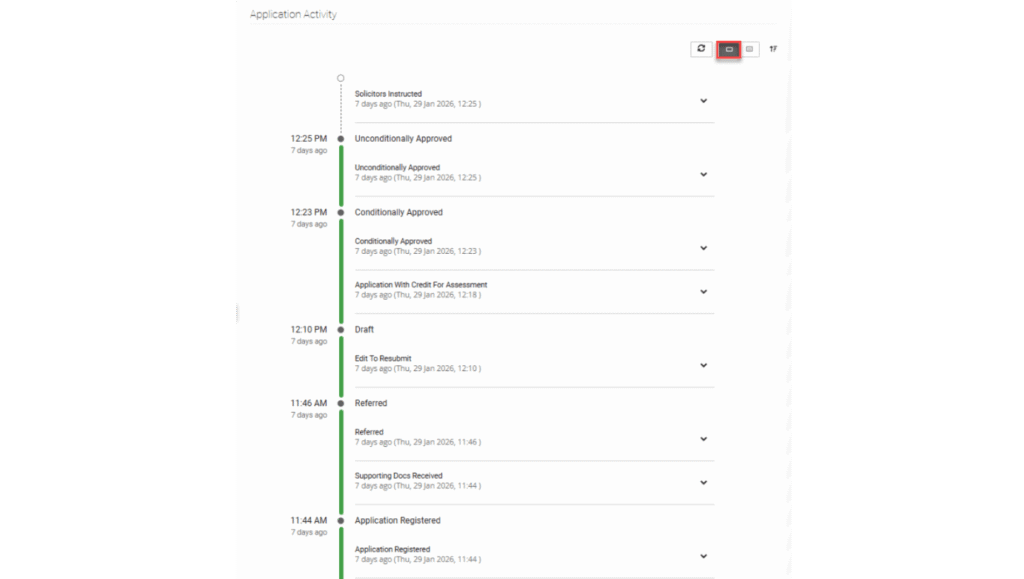
The timeline can be expanded to show detailed information for each stage, including lender comments. This ensures transparent communication throughout the entire process. For additional details, click on the Detailed View button in the top-right corner, as shown below.
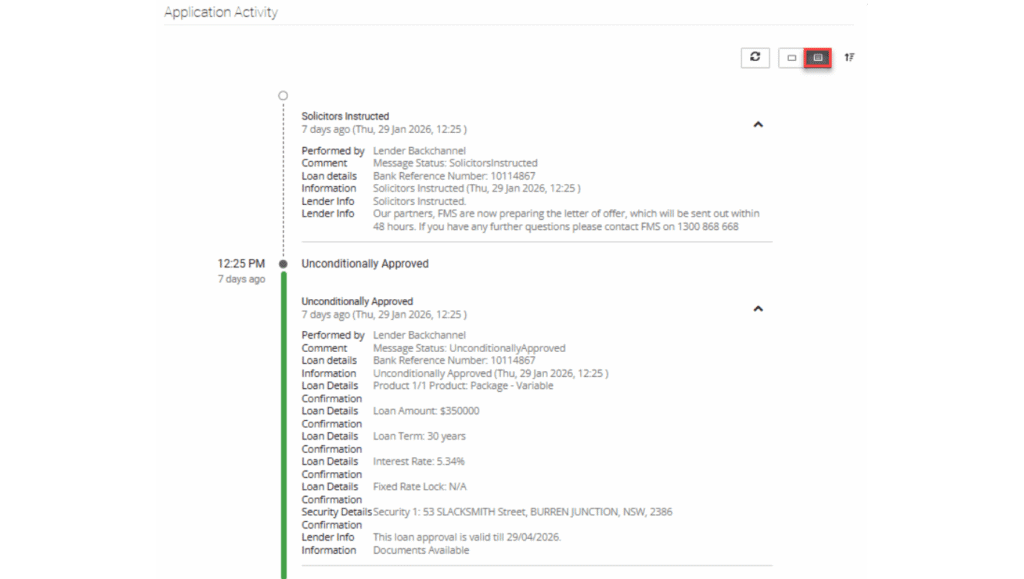
To check for new lender comments or updates, click the Refresh button in the top-right corner. This allows you to track application progress in real-time without reloading the entire page.
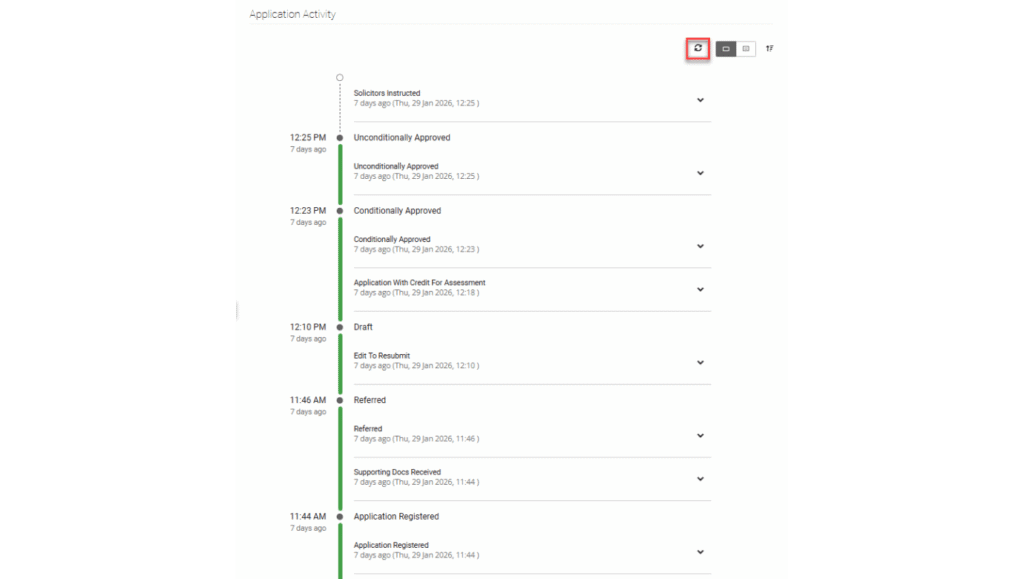
The Application Activity timeline provides a real-time visual history of your application, offering a clear and accessible record of every milestone.
To find out more about ApplyOnline®, please contact our Customer Success team or register for our free CPD-accredited webinars.



XS
SM
MD
LG
XL
XXL.