








Resolve common eSign issues with Refresh eSign

Did you know you can refresh an in-flight eSign request in ApplyOnline®?
The ‘Refresh eSign’ function allows you to refresh an existing eSign request when delivery or processing issues occur. This provides greater control over the active eSign requests, helping you resolve common issues without needing to cancel and send a new request, ultimately saving time for both brokers and applicants.
When should ‘Refresh eSign’ be used?
‘Refresh eSign’ can assist when an eSign request has not progressed as expected. For example:
- One or more recipients have not received the eSign email.
- The eSign request has encountered a temporary processing issue.
- An eSign request has been completed by all recipients, but the application has not yet reflected a ‘Signed’ status.
Note: ‘Refresh eSign’ is not available for lenders using the FMS as the eSign service provider.
When is ‘Refresh eSign’ available?
The ‘Refresh eSign’ button becomes available after an eSign request has been initiated and remains available while the request is still in progress.
‘Refresh eSign’ can be used provided the eSign request has not reached a final status, including:
- Signed
- Declined
- Cancelled
- Error
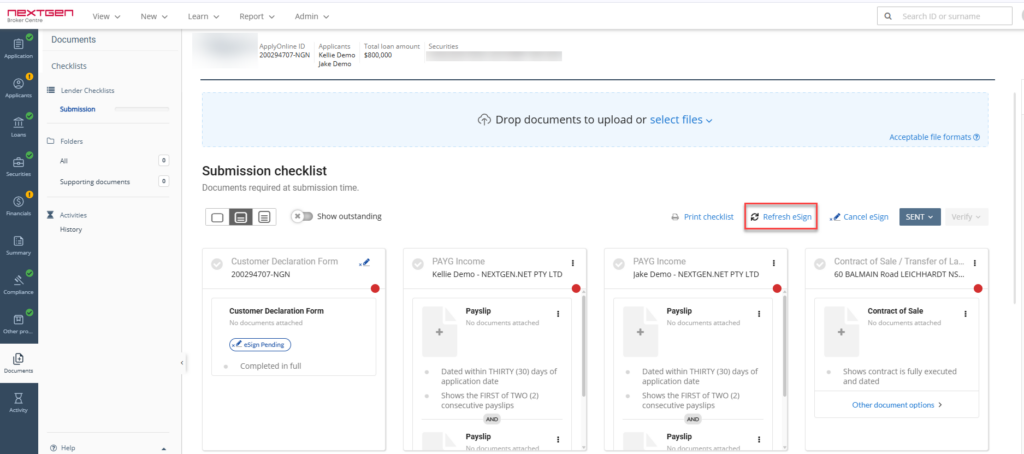
What happens when you refresh an eSign request?
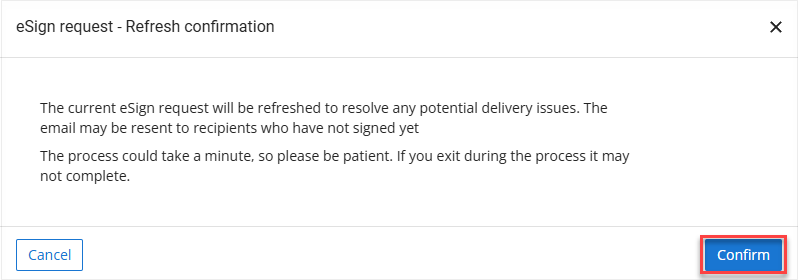
- Selecting ‘Refresh eSign’ prompts you to confirm the action before the system begins the refresh process.
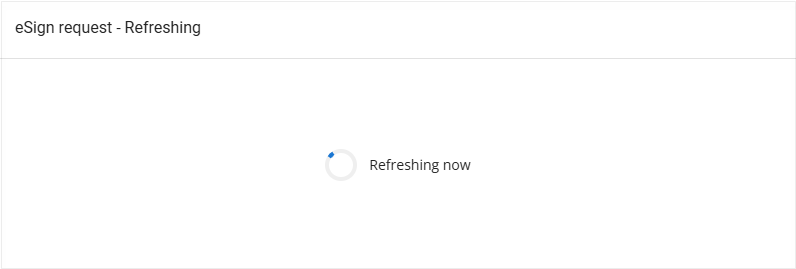
- Once confirmed, it starts the refresh process and it is recommended to wait for the process to finish and not click somewhere else in the application; otherwise, the refresh may not complete.
Depending on the outcome, ApplyOnline will:
- Resend the eSign email to recipients who have not yet completed the signing process, where appropriate.
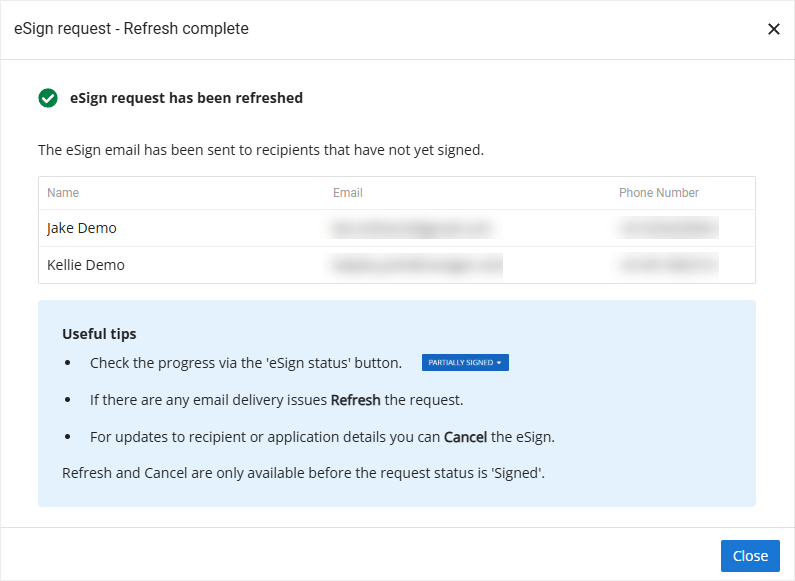
- Resolve certain processing or synchronisation issues affecting the active eSign request. A confirmation message will be displayed once the refresh has completed.
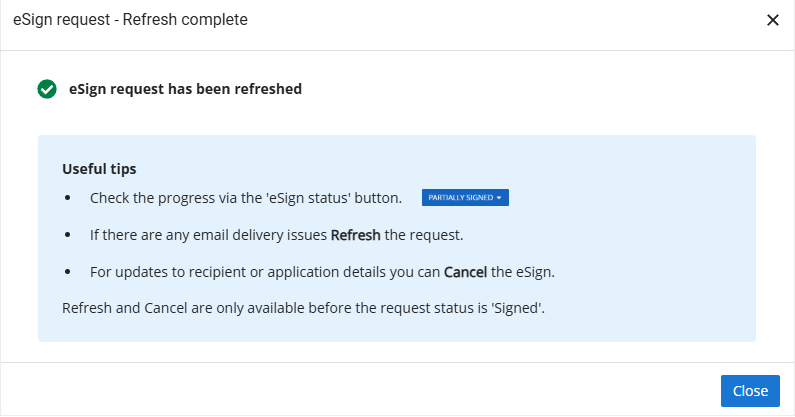
A confirmation message with a green tick is displayed once the refresh has completed, along with a ‘Useful tips’ section at the bottom.
What ‘Refresh eSign’ won’t do:
‘Refresh eSign’ does not update incorrect recipient email addresses.
If an email address needs to be corrected after an eSign request has been sent, you will need to:
- Cancel the existing eSign request.
- Update the recipient’s email address within ApplyOnline.
- Start a new eSign request.
Why this matters:
‘Refresh eSign’ provides a quick way to resolve common eSign delivery and processing issues while keeping the existing signing request active. This reduces unnecessary rework, improves the signing experience for applicants, and helps keep applications progressing without delay.
To find out more about ApplyOnline, please contact our Customer Success team or register for our free CPD-accredited webinars.
Latest articles
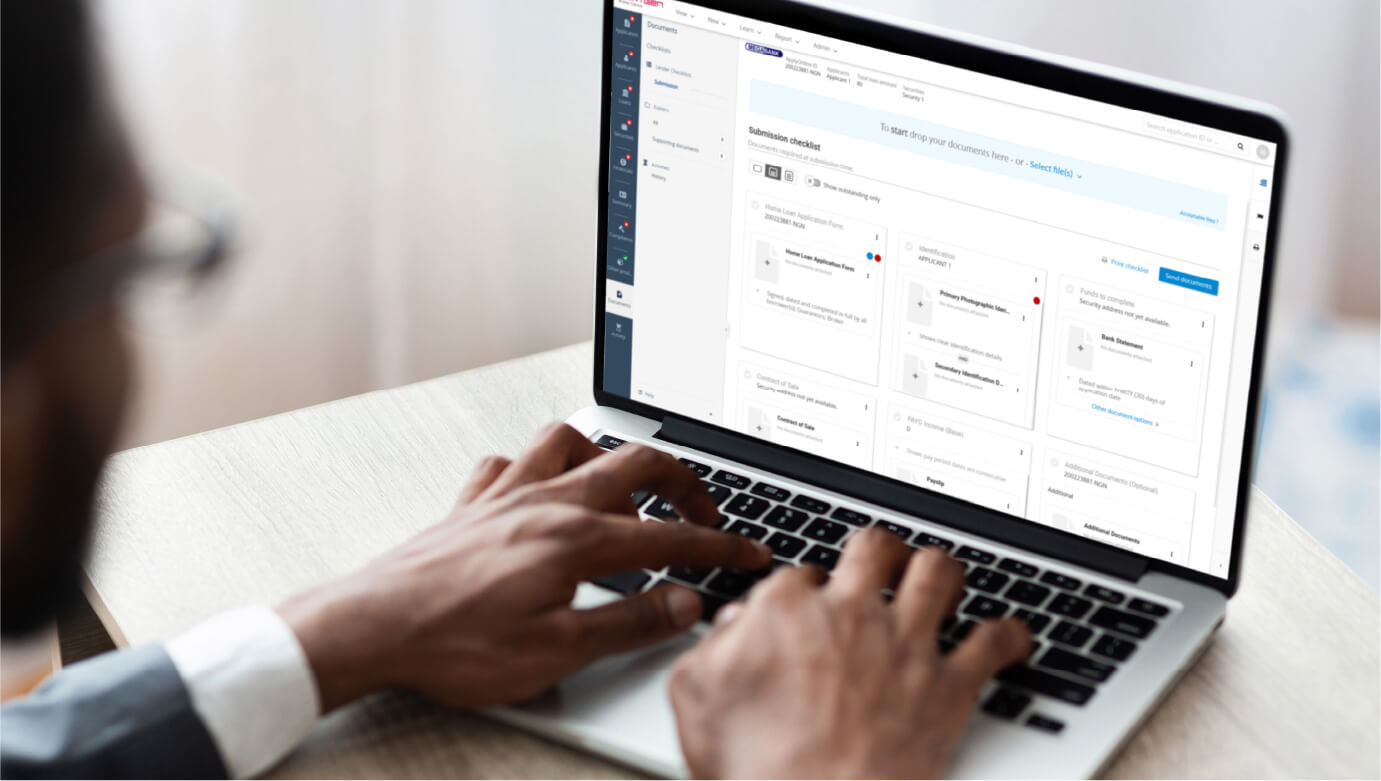
ApplyOnline tip
Order valuations directly within ApplyOnline
Article
Inside Beyond Bank’s journey from legacy platform to connected lending ecosystem
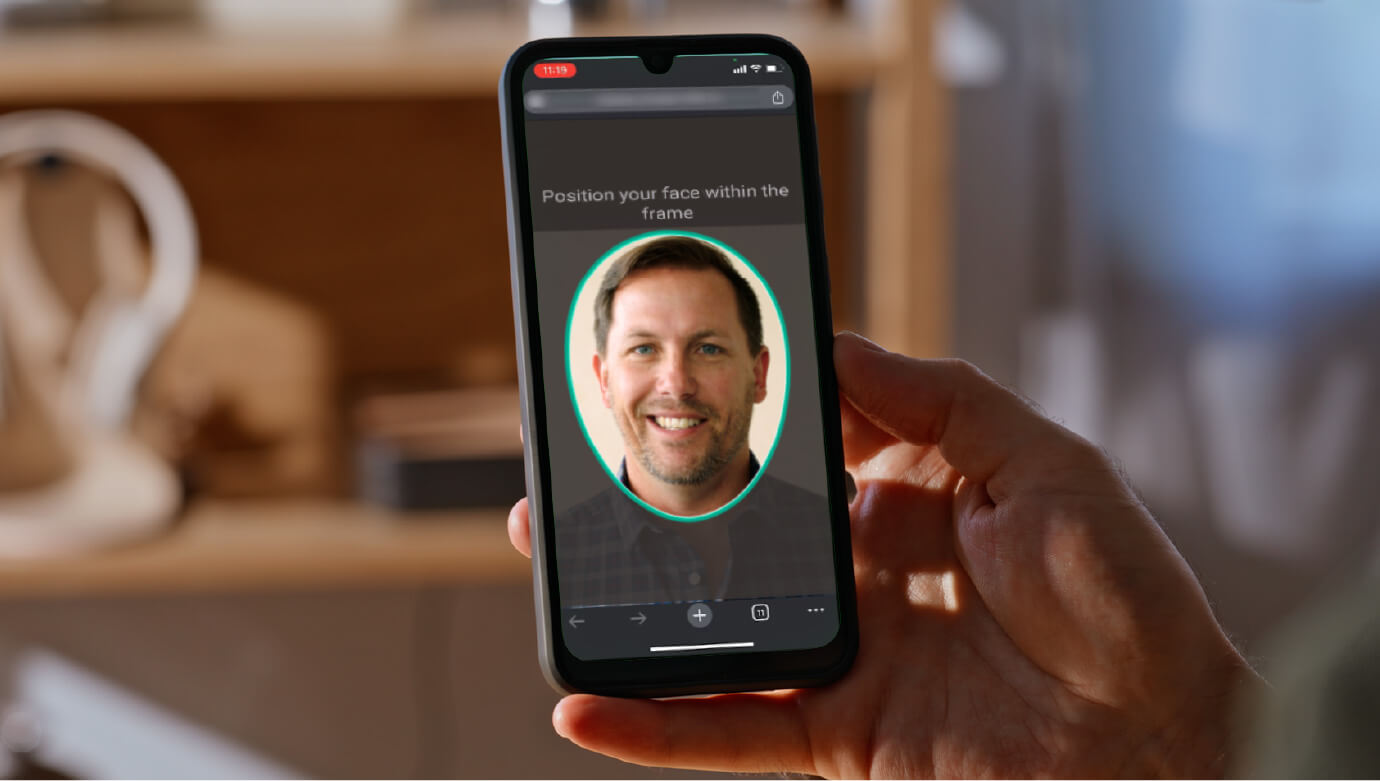
ApplyOnline tip
More ways for applicants to verify: introducing email delivery for NextGenID

Article
Celebrating our partnership with Skip, live on ApplyOnline
XS
SM
MD
LG
XL
XXL.